XTEINK X4 Classic Pocket e-Ink Display Reviewed
I’m no stranger to e-ink devices. They have been a small and frustrating corner of my day job for perhaps a decade. From first bringing up small intended-to-be-price-labels panels on the Raspberry Pi to big, six or seven colour displays on the Raspberry Pi Pico.
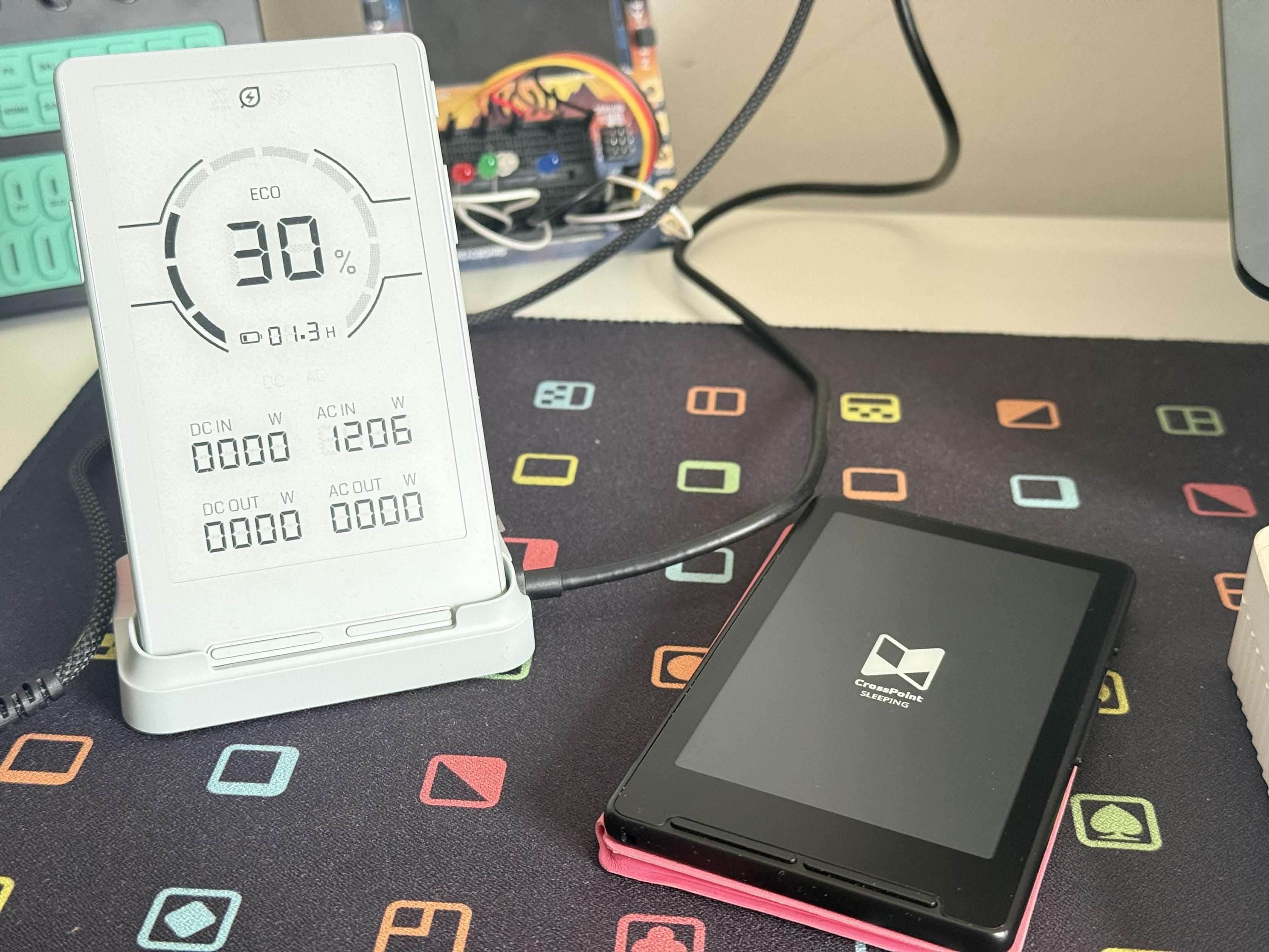
I don’t think I’d have picked “Mist Grey” but I actually like it!
Our contemporaries haven’t been sleeping on e-ink either with TRMNL perhaps being one of the most mainstream and M5Stack’s PaperS3 a more traditionally makery magnet for cool little projects.
It’s therefore quite interesting when a company like Xteink pops up onto the scene and, by all appearances, accidentally makes an affordable and hackable e-ink device in a bid to make e-readers a tiny companion for your mobile phone.
I picked up the original X4 a while back to see what all the fuss was about and ended up just installing the incredible Crosspoint firmware, using it as an ebook reader, and chomping through a couple of books on its tiny, pocketable screen. While it’s not backlit (and neither is the X4 Classic) it’s a nice little thing just to sit out and about with. I’ve got a Kindle somewhere which came (of all places) from an Airport vending machine, and a Kobo Glo HD with a patched OS, but neither are as pocketable and portable (or, indeed, as cute) as the X4.
Not wanting to disturb my awesome little e-reader setup with hacks and tinkering (there’s an open pull-request to add Xteink X4 support to MicroPython) I set about poking Xteink to get my hands on an X4 Pro and/or X4 Classic expressly for development and tinkering antics. That, largely, failed but they did relevant and send me the X4 Classic to write about.
So, naturally, I put MicroPython on it.
The important thing to understand about the X4 Classic is that it’s a confident step from Xteink toward embracing and endorsing the open-firmware community. On its store page the very first feature bullet-point (at time of writing) in glorious bold text is “Unlocked Firmware Freedom.”
But the X4 Classic doesn’t just come with unlocked firmware, it’s a significant performance bump from the original X4 – moving from the ESP32-C3 to the ESP32-S3. That single letter difference encodes not just a bump from a single-core RISC-V at 160 MHz to a dual-core Xtensa LX7 at 240 MHz but supports PSRAM, expanding the device from a mere 400 KB SRAM to 512 KB SRAM plus that 8MB of (albeit slower) external PSRAM.
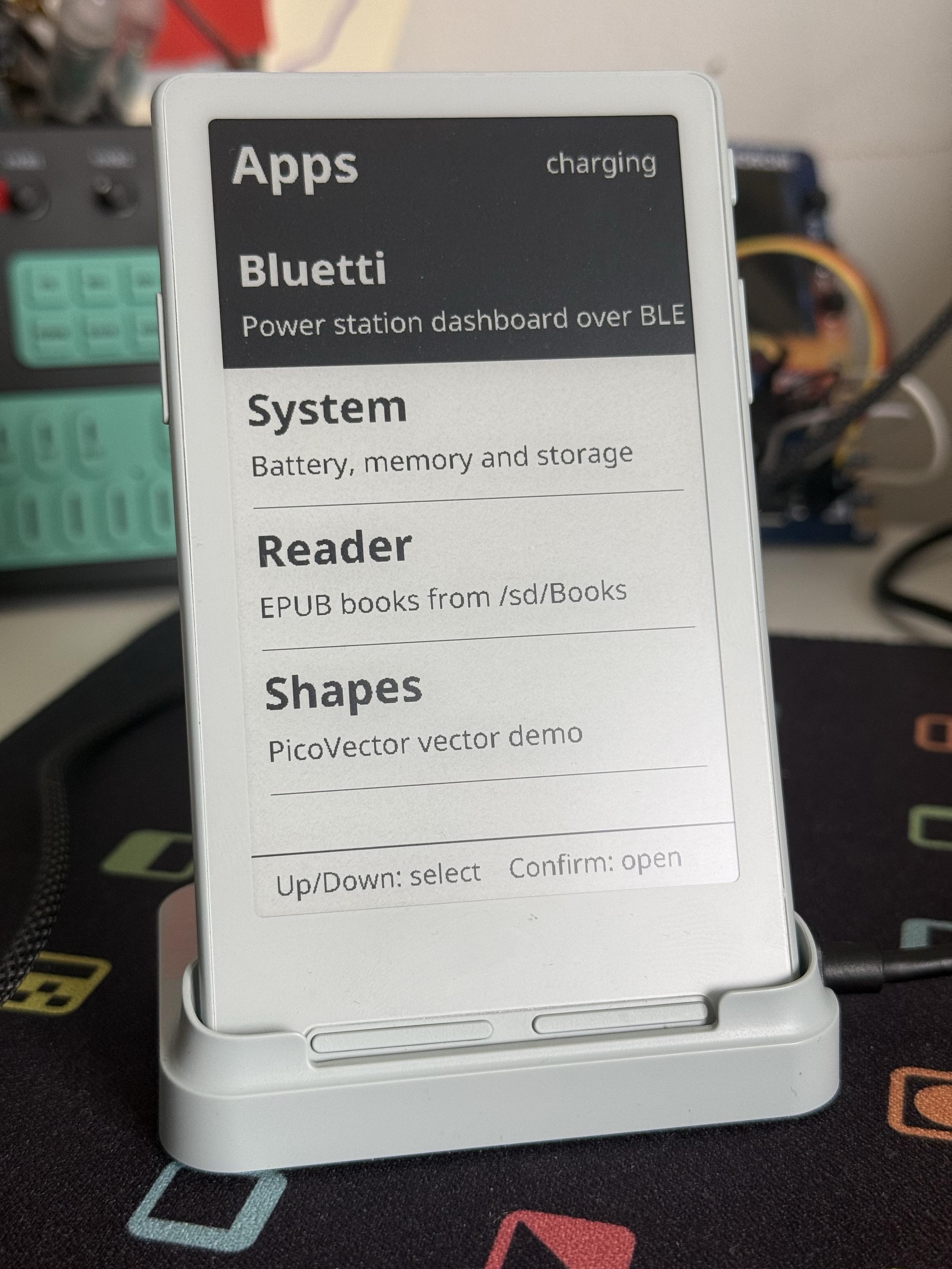
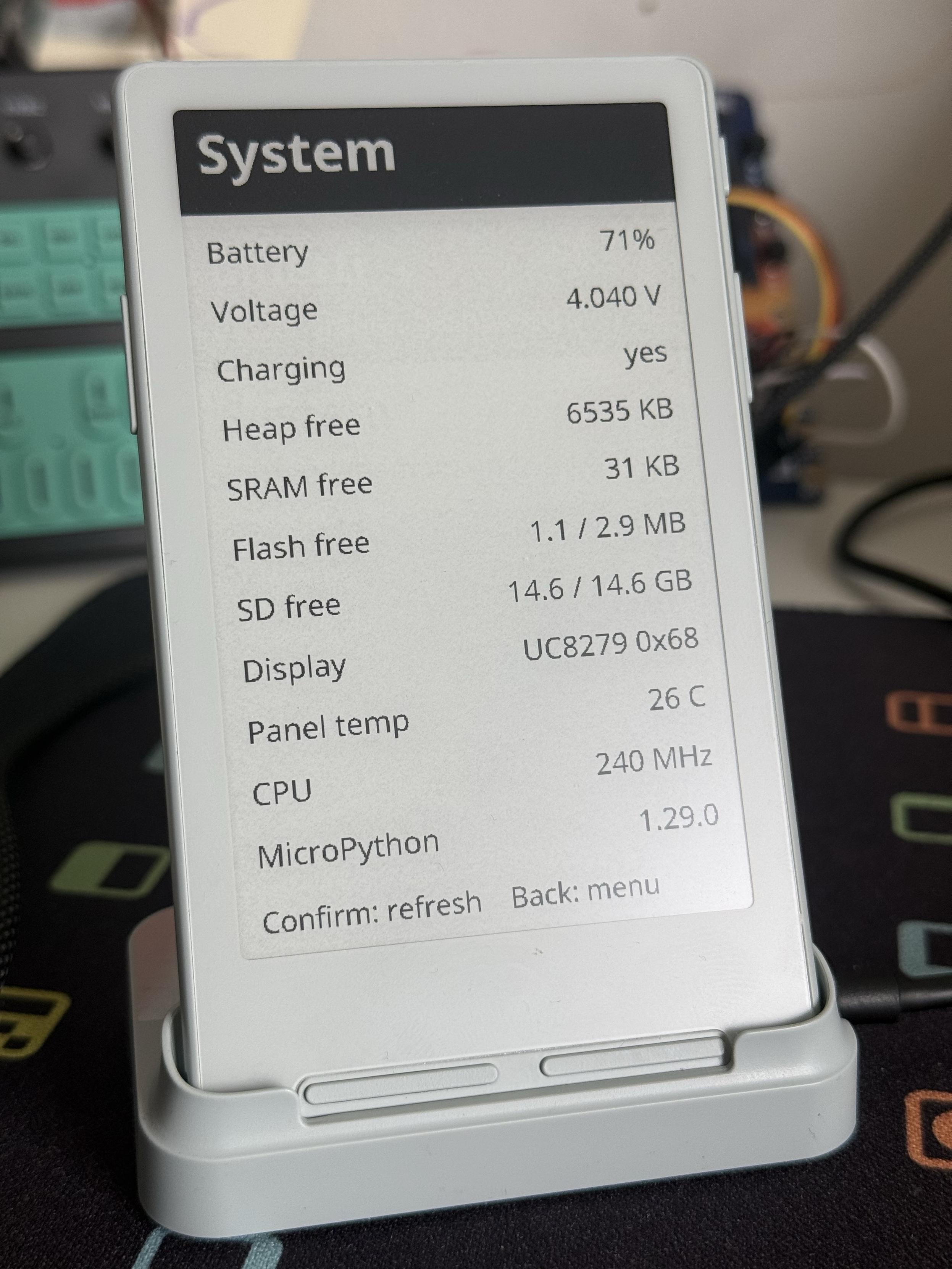
Of course I got a MicroPython port up and running on this thing ASAP with a PicoVector graphics front end. Made it easier to port the BLUETTI battery status app from Tufty.
Other improvements include the addition of a BM8563 RTC (useful if you want to reliably make TLS encrypted network connections or display a clock, timestamps, etc), a QMI8658 accelerometer/gyro (letting the device determine its orientation and rotate the screen), a slightly controversial magnetic pogo connector (which I am very much a fan of) and, effectively, hardware parity with the X4 Pro save for the lack of touch (the X4 Pro uses a GT911 touch controller) and lighting (the classic remains unlit.) Yes the “X4 Classic”, so unfortunately named it needs an “(X4 V2)” after the title on the official store, is basically an X4 Pro without the touch and backlight.
WiFi and Bluetooth remain the same and are pivotal to Crosspoint’s excellent book-sync setup (it hosts a webpage you can open from your phone and upload/convert books with).
If your eyes light up at these specs – they should – then you’ll also appreciate a larger battery (920 mAh up from 650 mAh), a proper CW2017 LiPo “fuel gauge” and yet still somehow a slimmer form-factor.
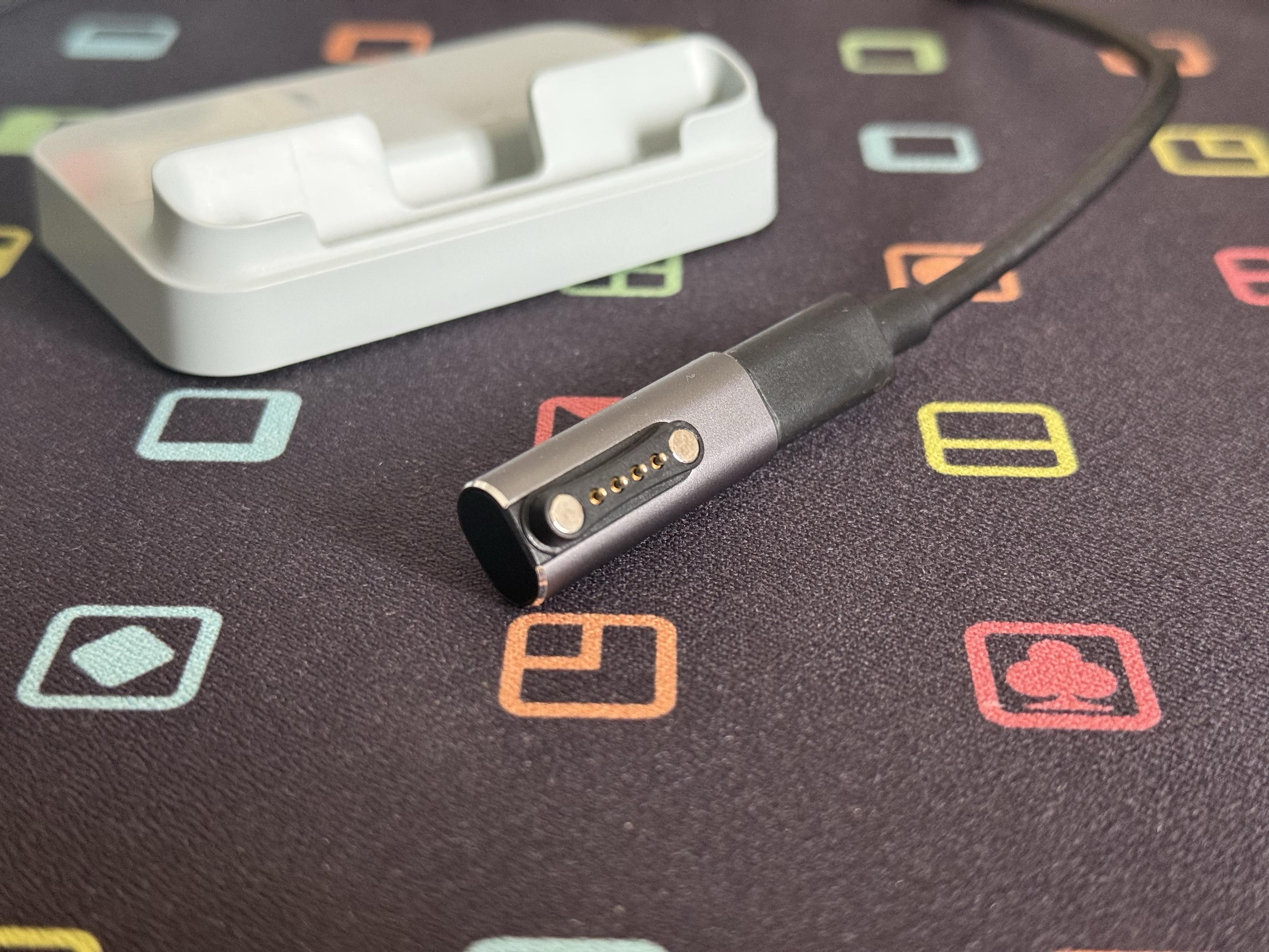
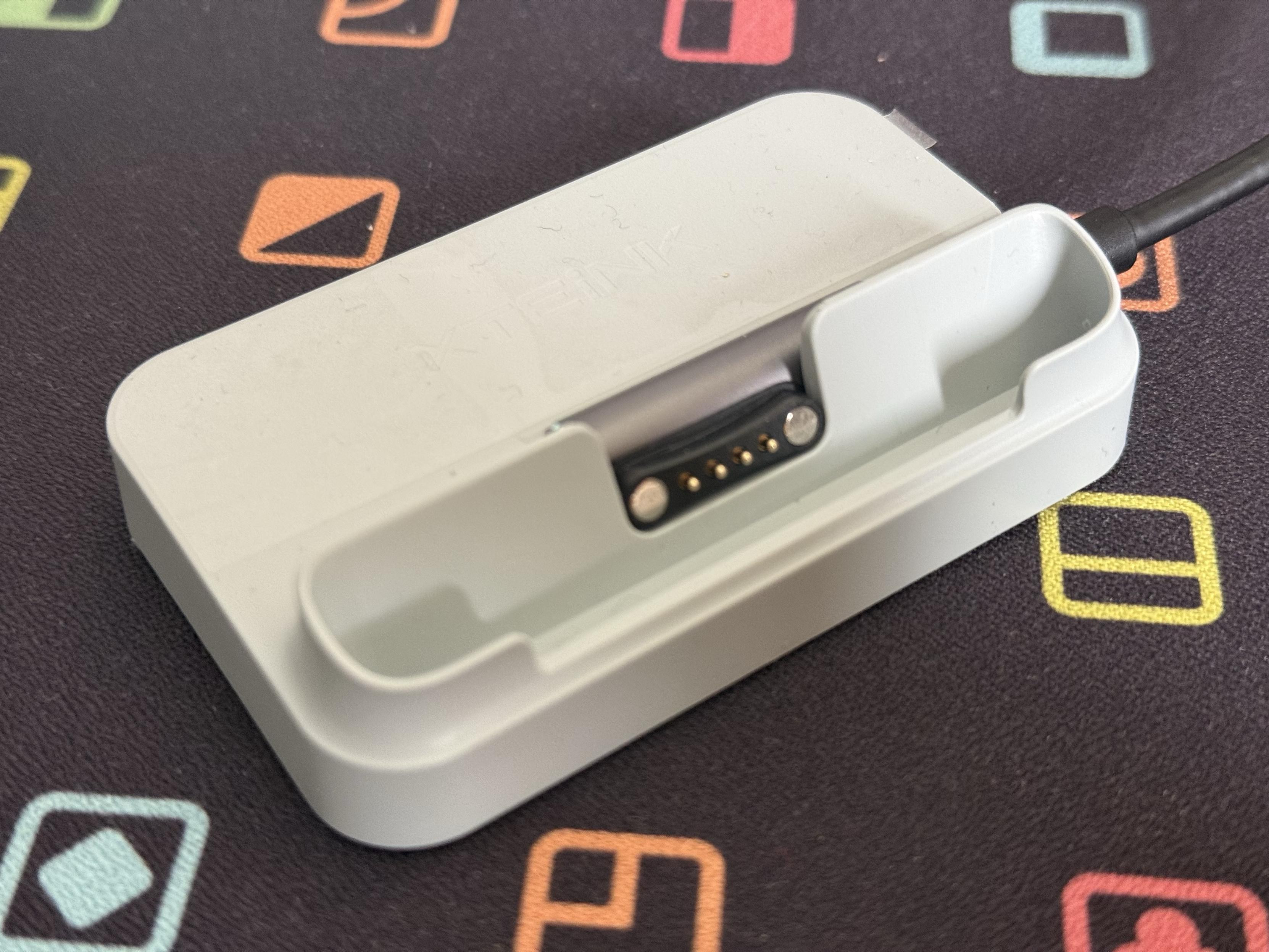
One connector that just slots into the metal dock piece is a stroke of genius. I’m 100% sure it’s been done before though I can’t recall where.
I tested the X4 Pro in “Mist Grey” with an accompanying, colour-matched dock and, while it’s not a colour I’d pick, I quite like it. What I don’t like is the X4C’s new approach to buttons. In principle it makes sense, splitting the single-sided rocker of the X4 into a page-turn button at each side, (I’m left-handed, I should be all for this) but it leans too heavily into the EBook-reader origins of the X4. As such it feels much less intuitive for navigating up and down menus.
What can I say? I’m a sucker for a rocker switch, rolly-boi or jog dial. The smattering of buttons along the bottom has always felt a bit off to me on the X4, too. The four buttons have no clear role or precedence, aren’t arranged like a five-way nav and feel more like the shortcut buttons from a 1990s Pocket PC (the Compaq Aero 1520 springs to mind but take your pick). The Pro clearly couldn’t get rid of them fast enough- dropping the four bottom buttons for a single “Home” button and leaning on touch to make things less confusing. Wait has Xteink just gone through the Pocket PC to smartphone evolution in a single generation?
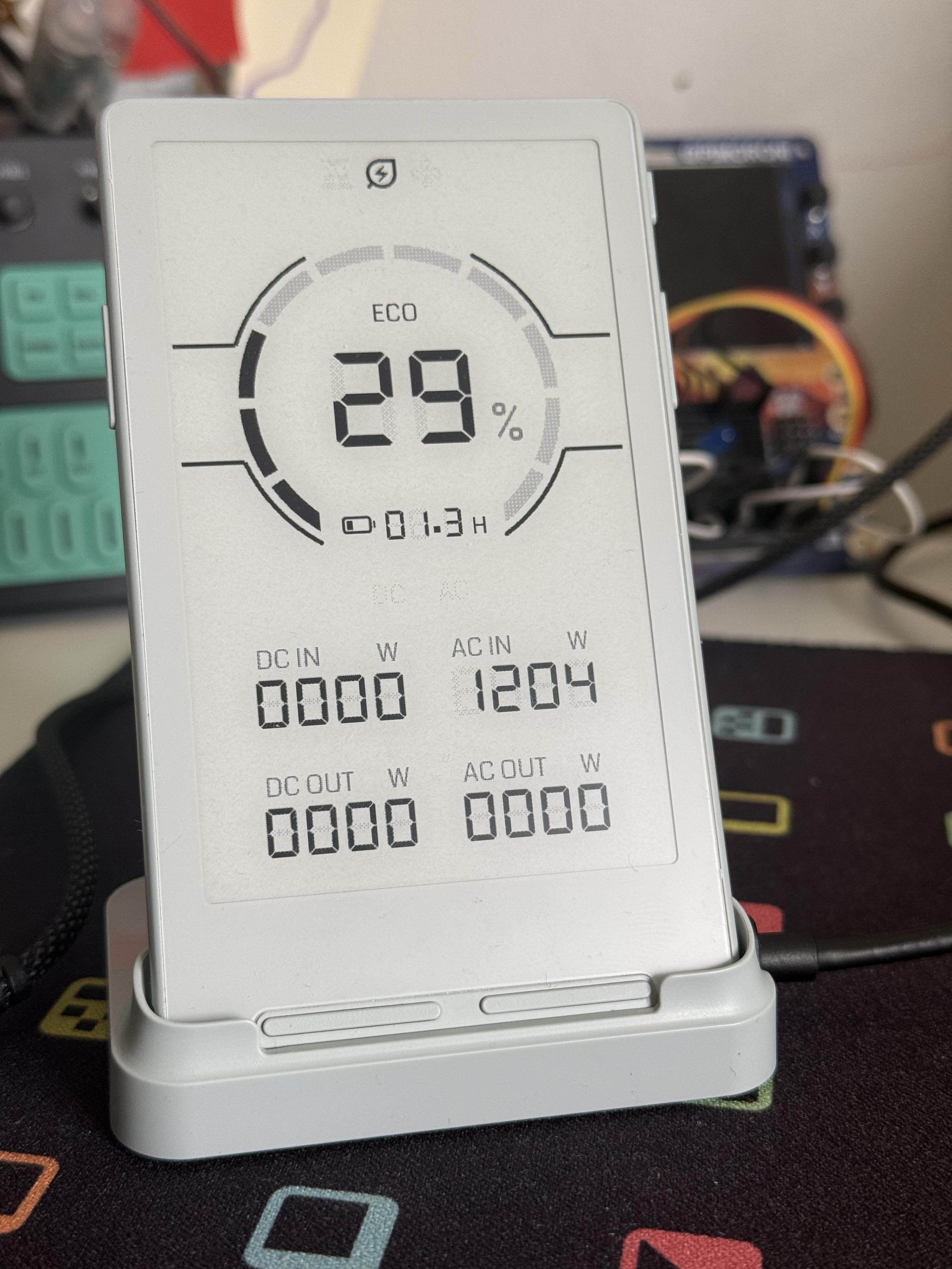
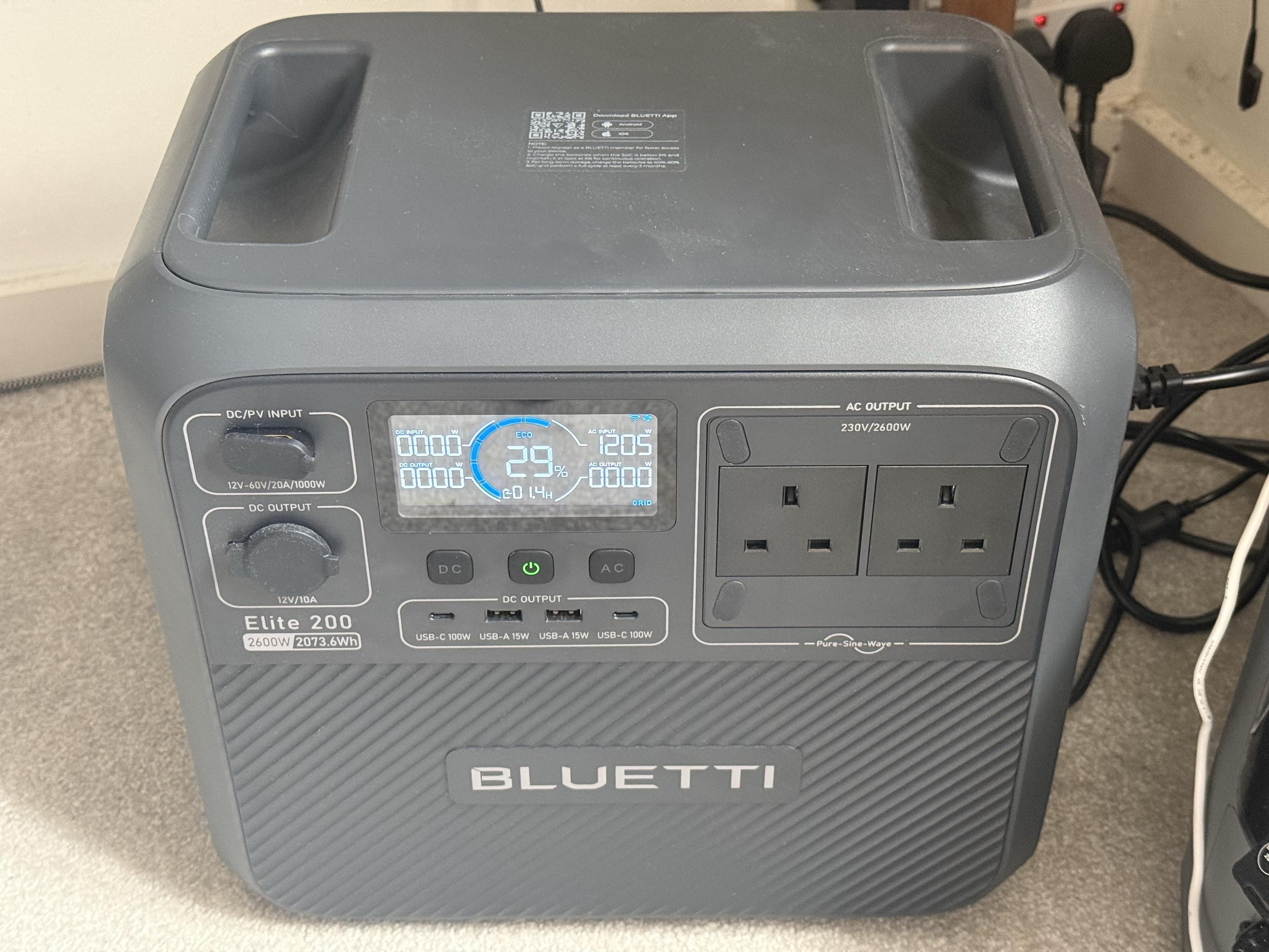
The battery status monitor works over Bluetooth using Bluetti’s somewhat modestly encrypted protocol.
Balmy controls aside you can’t ignore a tiny, clean, magnets-right-onto-your-fridge, battery-powered device like the X4 Classic. With the horsepower of the ESP32-S3 and wireless connectivy the low density, low frequency informational roles it could fulfill around your home are limitless. Once I had MicroPython up and running (I really need to shape that up into a pull request) I was quick to port over my Bluetti power monitor (originally written for the Pimoroni Badgeware Tufty 2350), which connects to a Bluetti battery over Bluetooth LE, and get it showing battery status information.
Overall
What photos wont really convey to you is just how small, thin and beautifully tactile the X4 Classic is. It’s simply a really nice bit of hardware, and it’s cool to have something that feels open and makery with a really crisp, clean enclosure.
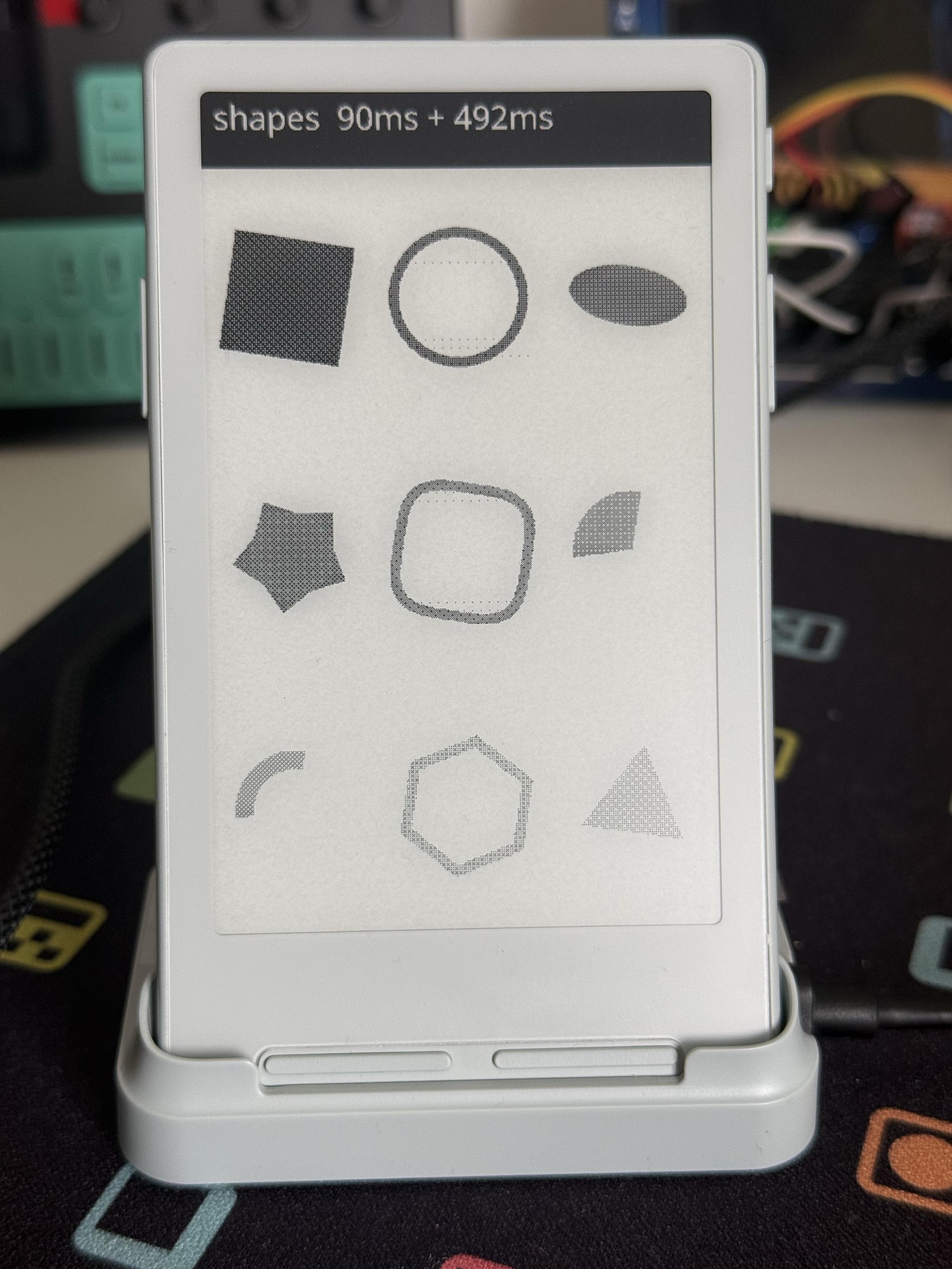
Anti-aliased vector shapes don’t quite translate to monochrome e-ink (we did it on Badger) but they’re fun nonetheless!
Think of the X4 Classic as a cost-optimised X4 Pro. Without the touchscreen and backlight it’s still an excellent daytime reader, but is less useful when you’re tucked in at night. It’s also a great fridge-magnet status display and with both Bluetooth and WiFi you’re really only limited by your imagination when it comes to finding things for it to do. The £20 or so difference (at time of writing) might be negligible enough that you go straight for the Pro, but the physical buttons on the Classic could – for example – wake up a sleeping device, trigger a network request and a screen status update and stretch the battery that much further.
At £59 for Black Friday it’s a steal! Pick up the Xteink X4 from their web shop.