Bluetti Elite 200 V2 Solar Battery Reviewed
As one of the few brands to attest to have read me About Me page (albeit perhaps with some machine assistance), BLUETTI fell very quickly into my good graces. They reached out to offer me their Elite 200 V2, the subject of this very review, and after haggling for a set of solar panels (can never have enough solar panels) I provisionally accepted. And then packed my bags for IFA.
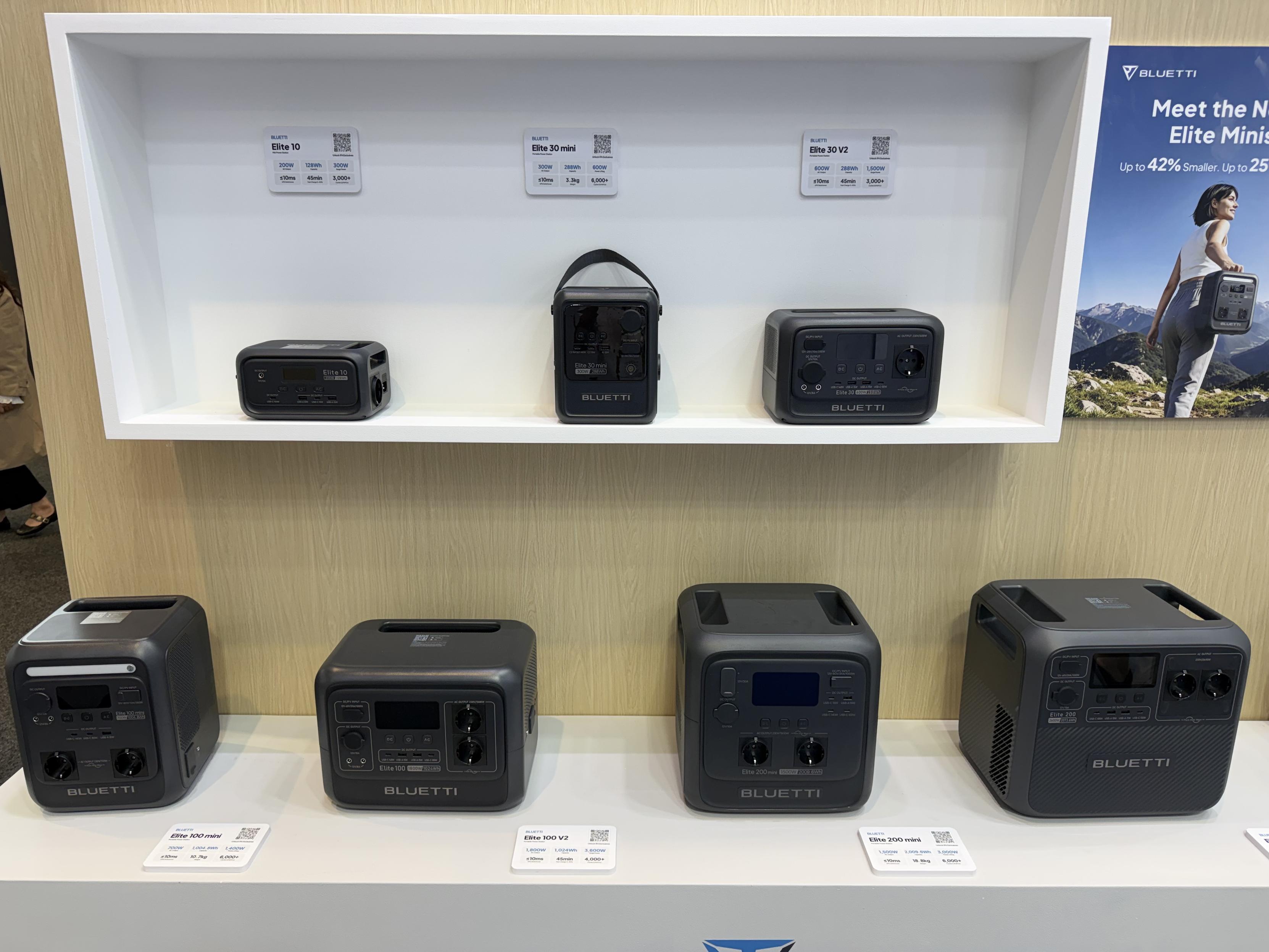
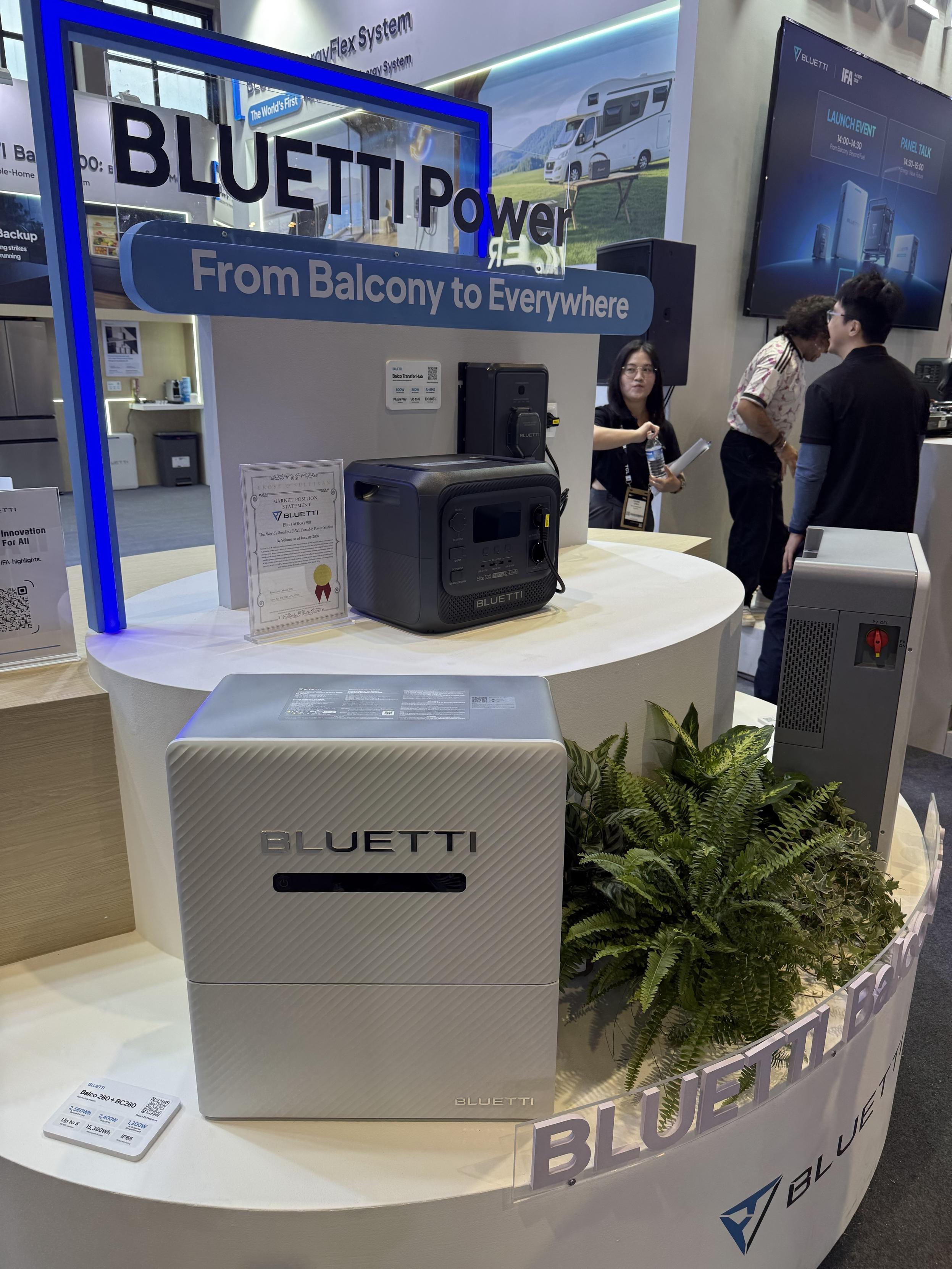
IFA was madness for a one day trip and I got a handful of photos in passing of stuff that interested me. BLUETTI power stuff was shiny!
While there I managed to swing very quickly by BLUETTI’s booth and get a feel for their range as a whole- it’s… pretty nice. They have a decent eye for design and some really slick looking products that gave me the confidence to try one for myself.
Reinforcing that confidence was their turnaround time- within four days of saying yes and two days of finalising the agreement (which I then largely ran afoul of by taking forever to publish this review) I had a couple of tasty large boxes hucked through my kitchen door. Since I’m still recovering from a fractured elbow (note: a month or two later and I’m still recovering, I clearly need to skate in an exoskeleton) it probably took me longer to get it upstairs than it did to arrive!
Design & Build
I’ve no prior experience with BLUETTI, but it’s currently sat on top of a VTOMAN FlashSpeed 1500, and I have an EcoFlow Delta 2 Max still in regular use too. With these as comparison the clean, modern design and distinct good looks stand out in stark contrast to VTOMAN’s quite fussy and perhaps more utilitarian design.
I’m particularly fond of the ridged, 45 degree cuts along the front making it feel like someone cared how it looks. This same design translates really nicely to BLUETTI’s FridgePower batteries.
The Elite 200 V2 stands a little taller than it does wide and accomodates its ~2kWh (54Ah) bank of LiFePO4 cells into something deceptively compact, but (>24kg) incredibly heavy and very dense. In fact it packs slightly more power into just 80% of the EcoFlow Delta 2 Max’s size, making the heftier weight particularly surprising. If I’m honest I actually prefer the PC-tower (is that what we’re calling those, still?) size and shape of EcoFlow’s battery, it feels more logical under a desk and its outputs are routed as such. BLUETTI are positioning this much more as an on-the-go power supply.
Suffice to say, with no wheels to move it about you’d better not be recovering from any recent skateboarding accidents. I struggled to heft it upstairs. Thankfully the top is at least moulded into two large carry handles, but I might have to invest in a foldable hand truck or platform trolley (and maybe a ramp in lieu of stairs).
Features
With its sheer compactness (assuming LiFePO4 cells haven’t meaningfully changed in size in the last three years) comes a commensurate loss of features. There are only two UK A/C outlets on the front (versus three four, and three respectively of my other batteries), two USB-A ports (both up to 15W) and two USB-C ports (both up to 100W). There’s your standard D/C output in the (debatably useful) form of a 12V car lighter socket (I’ve actually used this to wire the BLUETTI’s DC output into the VTOMAN’s DC input and yes I’m aware of how many levels of inefficient that probably is). On the right-hand side is a dedicated A/C input with your standard three pin IEC connector (cord, which I vow never to use, supplied), a dedicated threaded ground connection (I wouldn’t begin to know where to connect this, but presumably to the chassis of your motor home?) and a circuit protection reset switch (which I hope I don’t have to use).
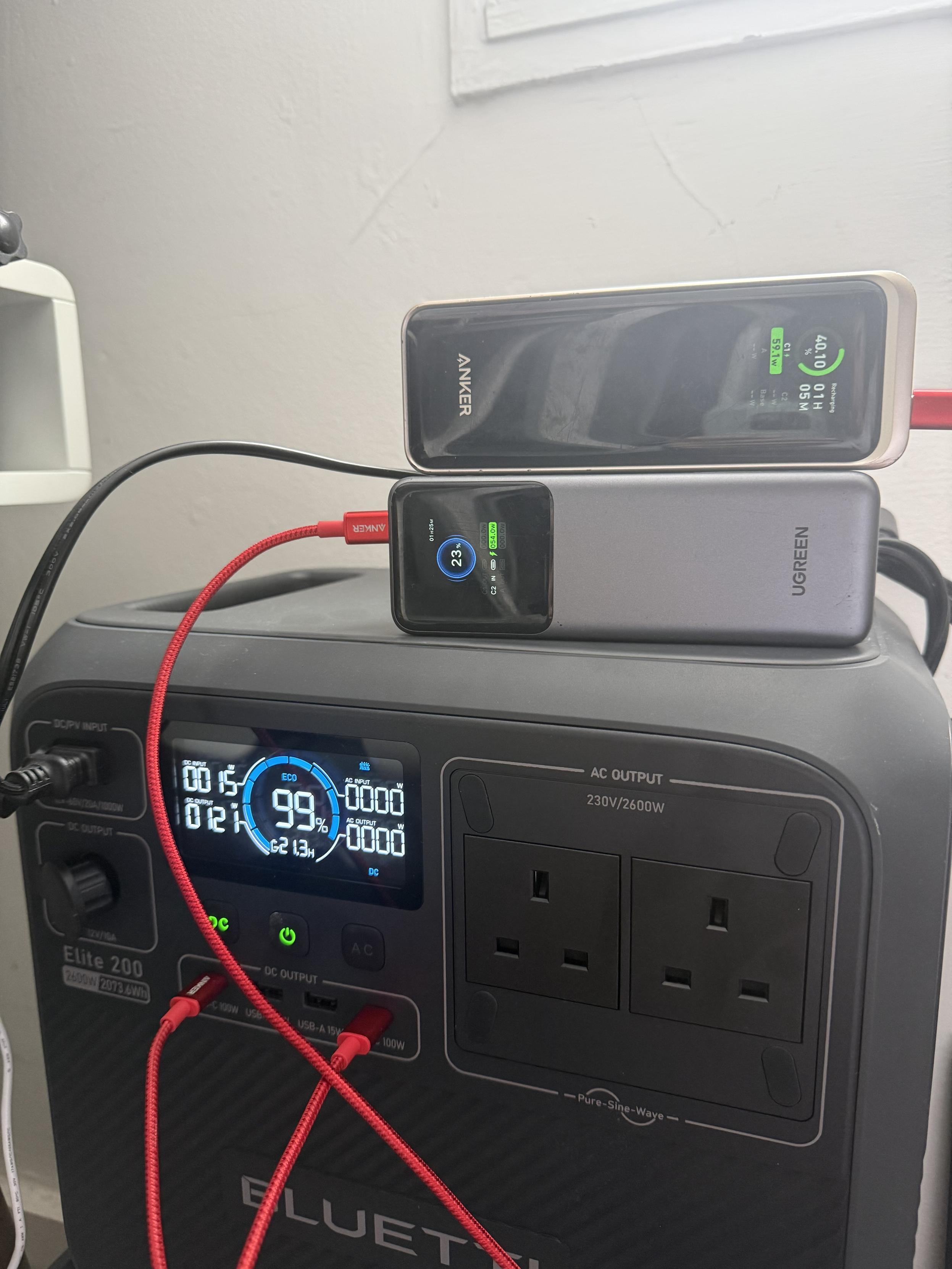
I tend to charge portable batteries from the solar reservoir since it won’t run the house. Runs my laptop, charges phones and powers the odd handheld when I need another socket.
For solar and DC it has a single XT60 DC input capable of 12-60V, 20A/1000W. My existing rooftop solar setup just plugged right in (I have a universal connector on the end). I’ve been swapping it back and forth between the Bluetti and my other battery for a while and it works a treat- as long as I remember to top one up while the other is full.
The left and right hand sides have surprisingly small ventilation holes, covering about 1/6th the surface, with two very obvious DF0601512B2LN 60MM fans mounted behind the grilles at each side. PC gaming afficionados might have something to say about small fans, and noise – TODO: Actually get the fans to spin up and see how they sound.
The full segment based LCD display is probably one of my favourite details, but (and I’m probably not going to be able to confirm this in the waning British weather) others have reported it’s difficult to read in sunlight- a little ironic for a battery with solar input. Indoors it seems bright, but not too bright, crisp and very clean and direct. The DC Input/Output and AC Input/Output figures are arrayed clearly around a central battery gauge and it just has a modern retro feel that I frankly can’t get enough of.
Firmware
Out of the box my device shipped with:
IoT Firmware: v8024.13 (an update to v8024.14 is available)
ARM Firmware: v2185.11 (up to date)
DSP Firmware: v2814.07 (an update to v2184.09 is available)
BMS Firmware: v1068.11 (up to date)
Bluetooth
If the onboard display is not your bag, then you’ll be pleased to know that the BLUETTI App (there’s an app this time, yay) comes with an “Offline” mode where it connects directly to the battery via a very loosely secured Bluetooth LE protocol. It’s worth stating up front that the Elite 200 V2 pretty much relies on proximity as a security measure since – if your own device is not connected – anyone can just rock up and start seeing your charge status, or toggle your AC/DC outputs. Obviously there’s not much they can really do – short of plunging you into darkness – so the benefits – and there are benefits – outweigh the drawbacks.
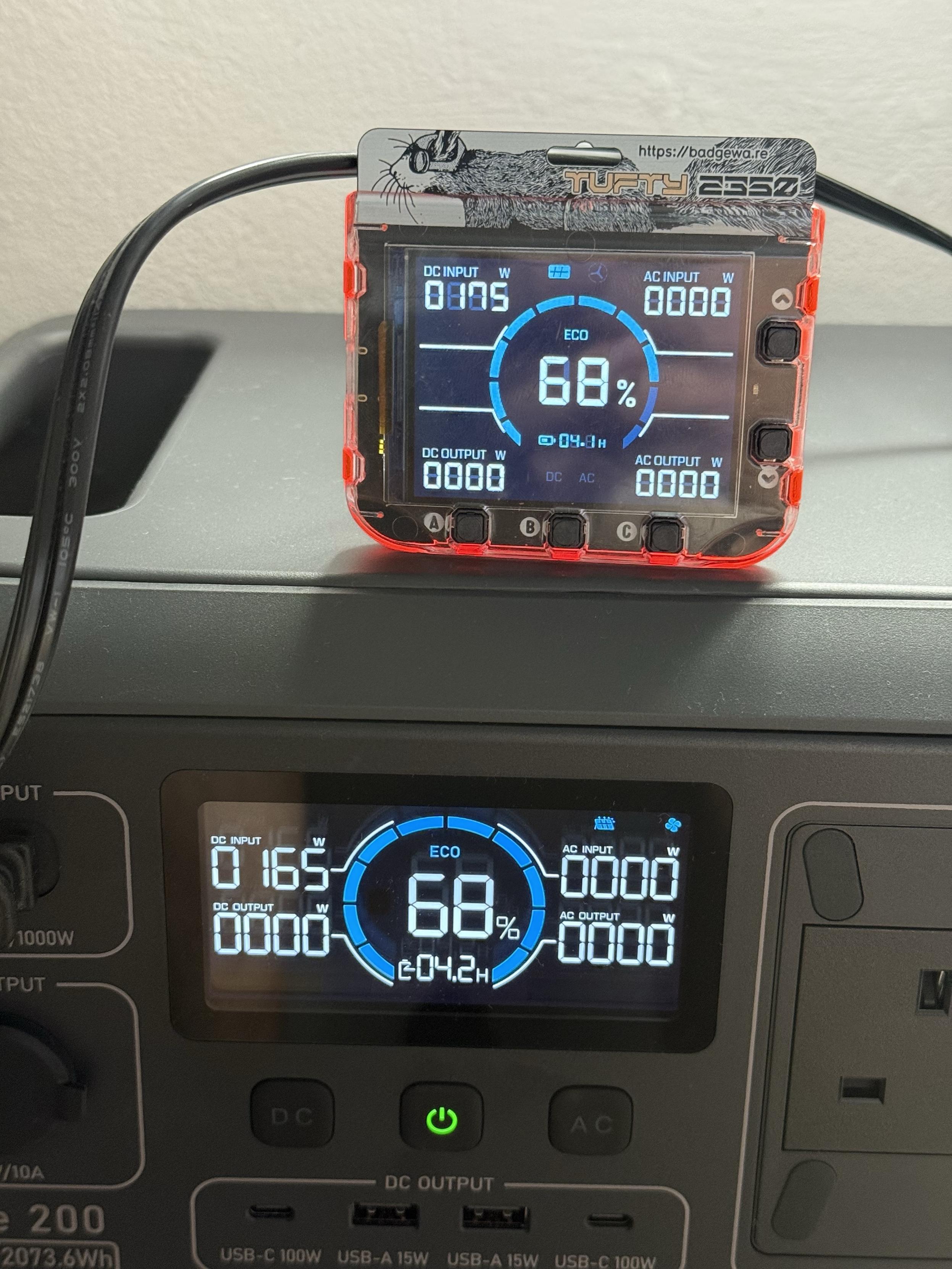
My BLUETTI status monitor has a Tufty version too!
The benefits? BLUETTI ship a closed-source Bluetooth library and offer developer documentation for interfacing with their products and it’s uncomplicated enough that some enterprising programmers have reverse engineered it into a portable Python library. Armed with that, the original library, a Tufty 2350 and a little assistance I made very short work of creating a standalone app that mirrors the Elite 200 V2s LCD display onto a portable, battery powered LCD, complete with remote toggling of the AC and DC outputs.
This means you’ve got mostly unfettered access, albeit restricted by the short range of Bluetooth LE (possibly limited to v8024.13 IoT firmware), to your battery status and basic control. BLUETTI have their own Magnetic Screen Display 1 but (TODO: confirm this) it requires an account, and pairing to their app, so it’s not fully offline.
WiFi
As for WIFI, it’s the standard 2.4GHz internet-of-things fare and can be set up once connecting via Bluetooth and pairing your battery to your account (which associates your battery serial number and provisions you an access code you can use for less spicy, authenticated Bluetooth). Setup was flawless, apart from me mis-typing my password on the first try. A clear, step by step walkthrough guides you through setting it up, tests the connection, gives you clear feedback on when it’s working and shows the IP address.
You can also pair up to three WiFi networks, which is useful for a battery that’s intended to be portable. If you’ve got a 5G access point in your RV and fixed WiFi at home then it will – presumably – switch between them as they are available.
Once connected to WiFi I couldn’t figure out any means of getting battery information over the network. A scan over the ports and a few connection attempts failed. On the upside it didn’t break my local Bluetooth Tufty 2350 app.
I also couldn’t find any sensible means of completely disconnecting the battery from WiFi. Once a network is added an attempt to switch it off yields an “At least one WiFi network must be on” error message. The “Reset WiFi” option when connecting to a device does nothing of the sort, instead dumping me back to the WiFi config page with the same, configured networks. I worked around this by giving the battery a network it would never be able to connect to (the default is “BLUETTI” with password “poweroak”), but I strongly suspect that doesn’t stop it from trying. Some mechanism to decisively =turn off WiFi would be useful.
Nonetheless if you want remote, wireless control over and information about your battery you’ll be unsprised to hear the WiFi feature works fine.
Sound & Heat
Like the VTOMAN before it, I decided to stick the BLUETTI in the bedroom and use it for charging devices, powering a desk and topping up smaller portable batteries from rooftop solar. So far it’s been all but silent, but I’ve got bitten before by British inclimate weather and found batteries that get very loud when there’s a high solar input, continuous drain on the sockets, or just generally warmer weather. Right now it is not particularly warm, but notably the BLUETTI Elite 200 V2 is not loudly spinning up fans just at the mere suggestion I might want to use the AC outputs. Nor did it do so while I used the 12 DC output to charge another battery. That’s promising!
Similarly the battery hasn’t got particularly warm to the touch, but the 12V DC charger very much did- I was pulling 100+W through it, though, so I’m not surprised.
Overall
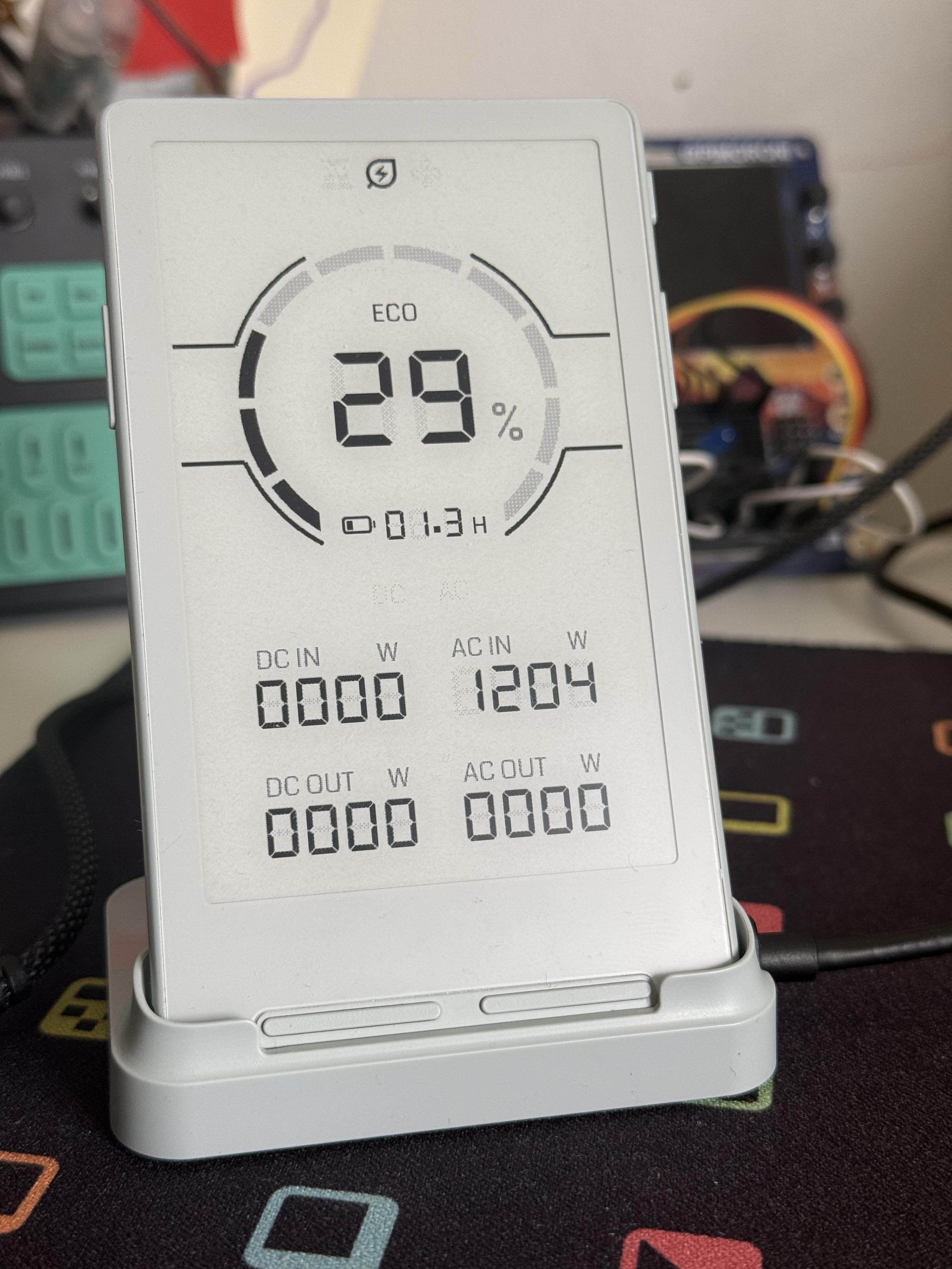
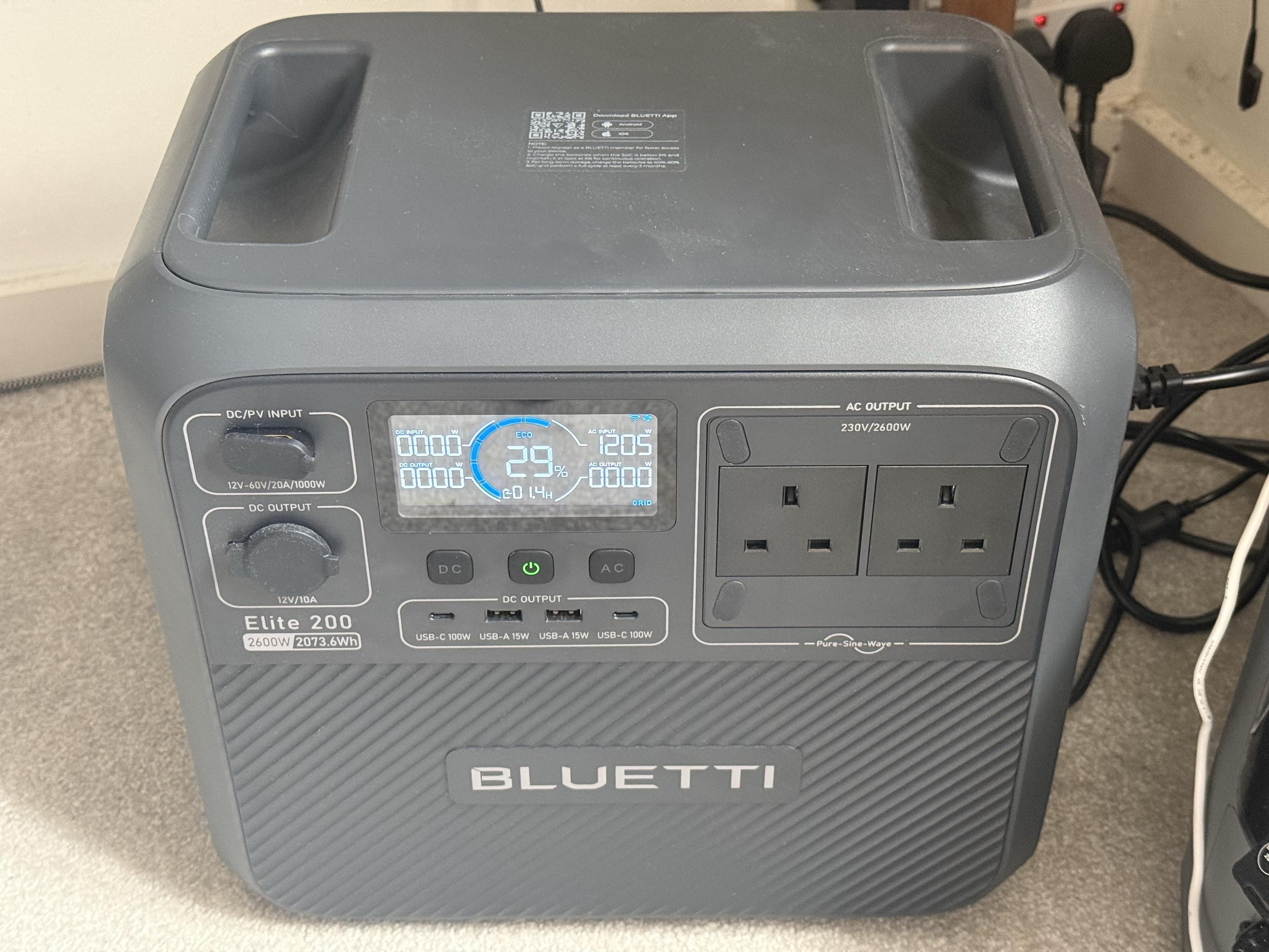
The battery status monitor works over Bluetooth using Bluetti’s somewhat modestly encrypted protocol.
As winter rolls in it gets trickier to make use of a portable battery – today (the latter half of October) it went from empty to 14%. The occasional sunny days still give me a top-up though and I’ll charge/run my laptop and various other batteries as often as I can. Ironically winter, in the best conditions, has a great mix of low temperature, bright sunshine and clear skies but those days are rare and, more importantly, very very short. My solar panels are not angled into the sun, or even particularly well placed at all, but the right conditions will still generate more power than I use.